Git の cherry-pick について考える
Jan 22, 2026
Git には既存のコミットの内容を適用する cherry-pick という機能がある. 今日はこの機能について考えたいと思う.
| | | )
Git - git-cherry-pick Documentation
なんで cherry-pick っていうの?
元は英語の慣用句 「cherry-picking」 から来ているらしい. 慣用句としては「良いものだけを選んで取る」「いいとこ取りをする」という意味がある.
the action or practice of choosing and taking only the most beneficial or profitable items, opportunities, etc., from what is available.
"it is an exaggeration based on the cherry-picking of facts"
使い方
cherry-pick は,特定の commit を現在地点の branch へ適用するコマンドで,基本は引数に適用したい commit hash を選ぶだけ.
commit hash は git log で確認するのもいいし, GitHub からでも確認できる.
(GUI 主義者はぜひ GitHub からコピーしよう.)
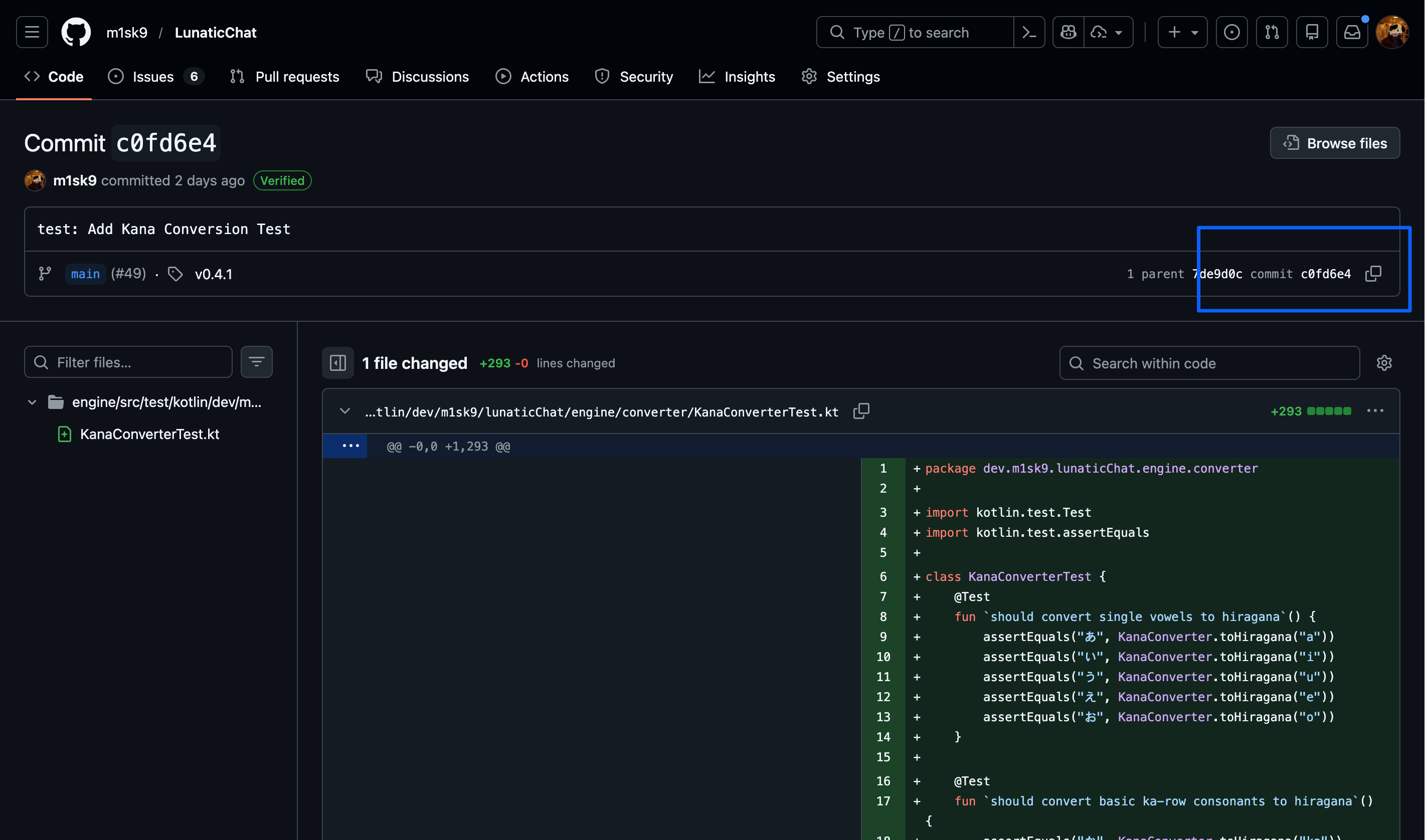
これが便利なシチュエーションとして
- 他の branch から特定の修正だけを取り込みたい
- 間違った branch に commit してしまった変更を正しい branch に移したいとき
- Release branch に特定の hotfix だけを適用したいとき
- (でもこれは worktree で良くないか... というのは置いといて) 1
で役立つ.私もよく使う.
# 複数のコミットを順番に適用
# コミット範囲を指定(commit1は含まれない)
# コミット範囲を指定(commit1も含む)
# コミットせずにステージングエリアに追加
# コミットメッセージを編集
ただ,この cherry-pick を行うと新しい commit hash として扱われることから, conflict が発生する.これらを解決しないと merge が出来ないので注意が必要.
# コンフリクトを解決後
# cherry-pick を中止
# 現在の状態をスキップして次へ
1
worktree って分かりづらい機能だよなって思ってる